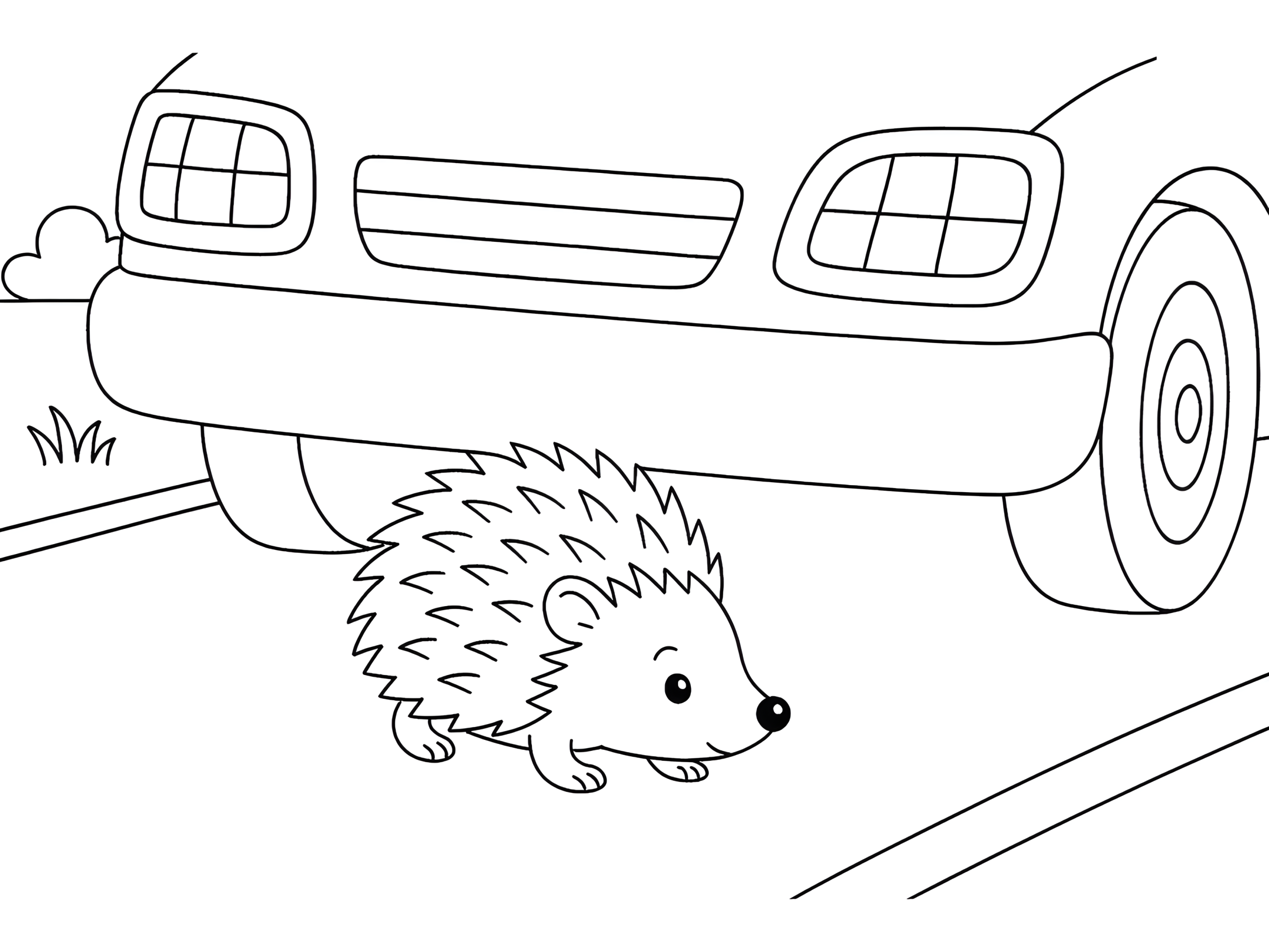
A little hedgehog crawls under the bumper of a car, exploring the neighborhood. Free to download as a letter-size PDF, PNG, JPEG or WebP, or color it online in your browser.
Hedgehogs Coloring Pages.
 Drawn by Karolina Piotrowska · updated
Free printable hedgehog coloring pages. Print them as a letter-size PDF or color them online.
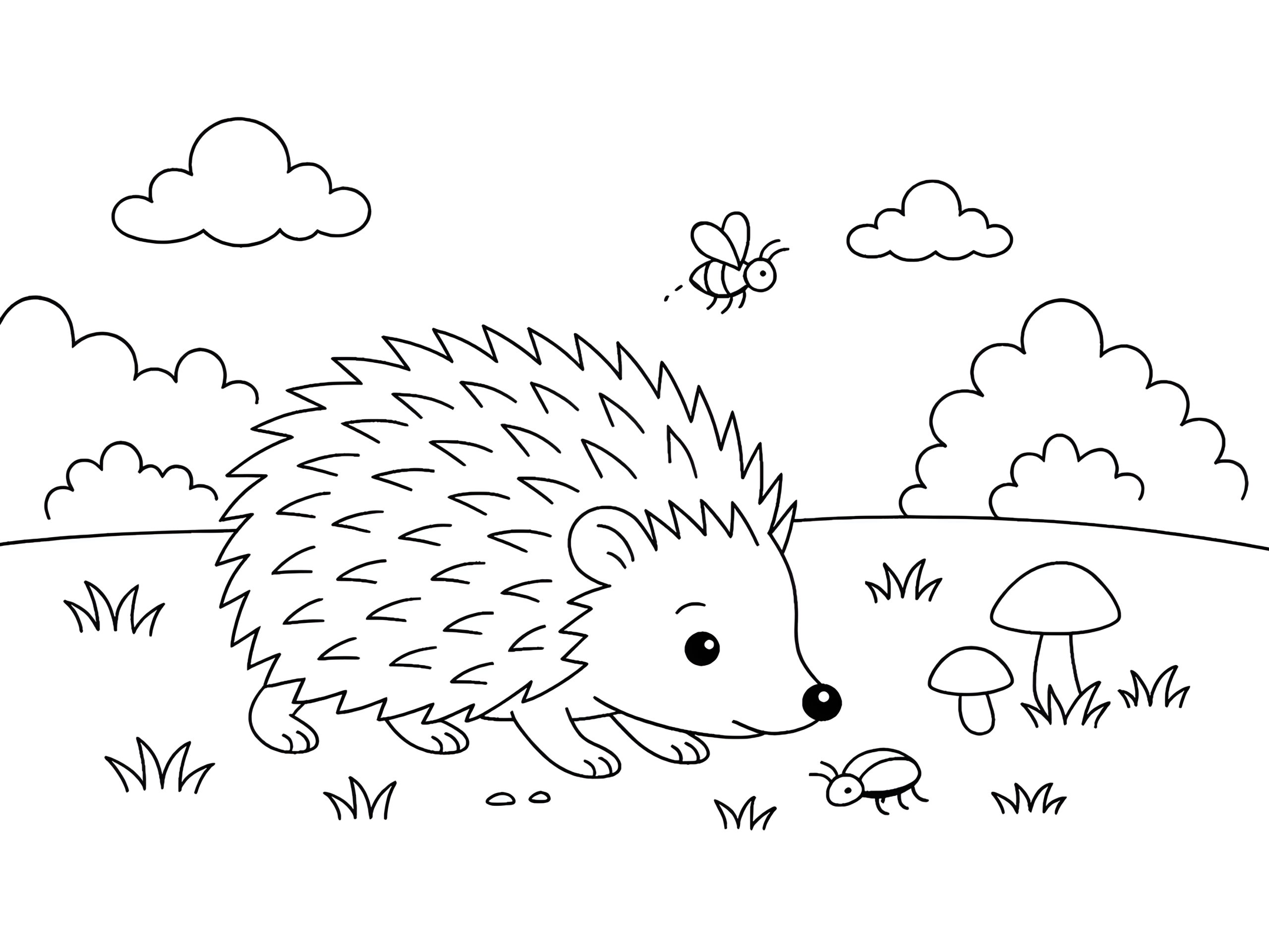
A hedgehog wanders across a meadow with grass tufts and mushrooms. A bee buzzes above while a beetle crawls on the ground. Download it free as a letter-size PDF, PNG, JPEG or WebP, or grab your crayons and color it online.
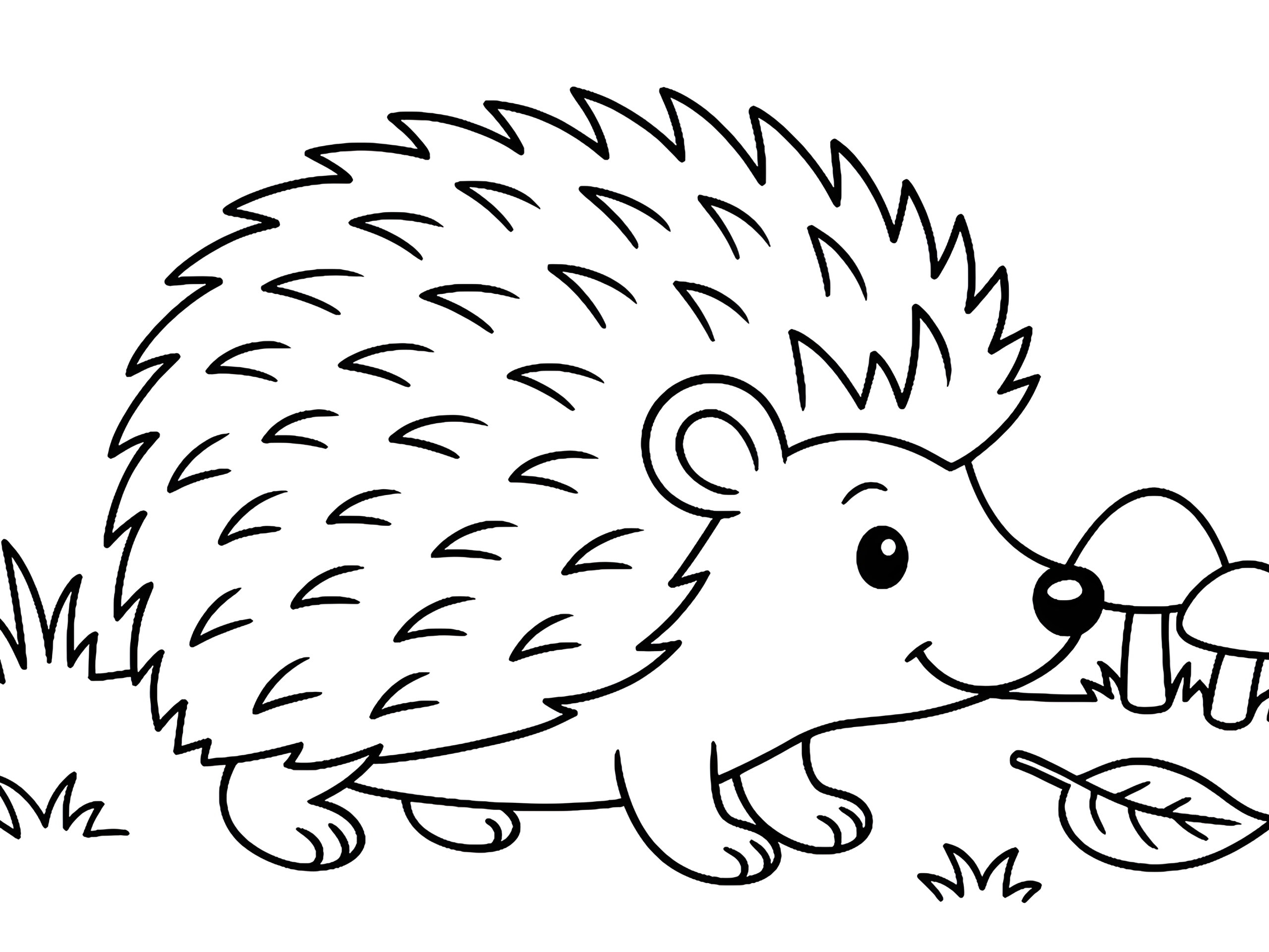
A smiling hedgehog with a thick coat of spines scurries past two mushrooms and a leaf. It's free to print as a letter-size PDF, PNG, JPEG or WebP, or to color online.
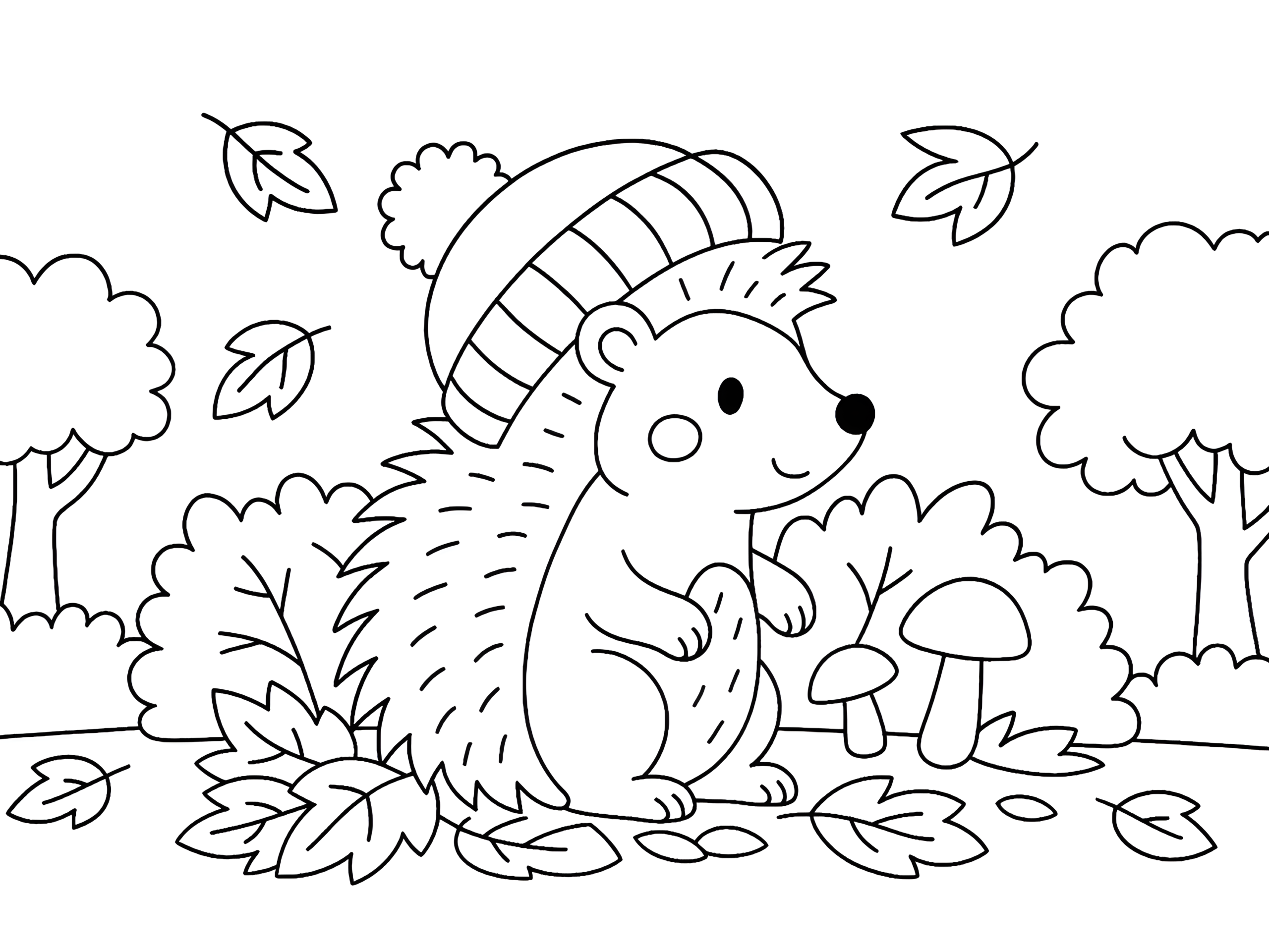
A smiling hedgehog in a striped hat sits among mushrooms, bushes and scattered leaves. Print it at home for free as a letter-size PDF, PNG, JPEG or WebP, or color it online instead.
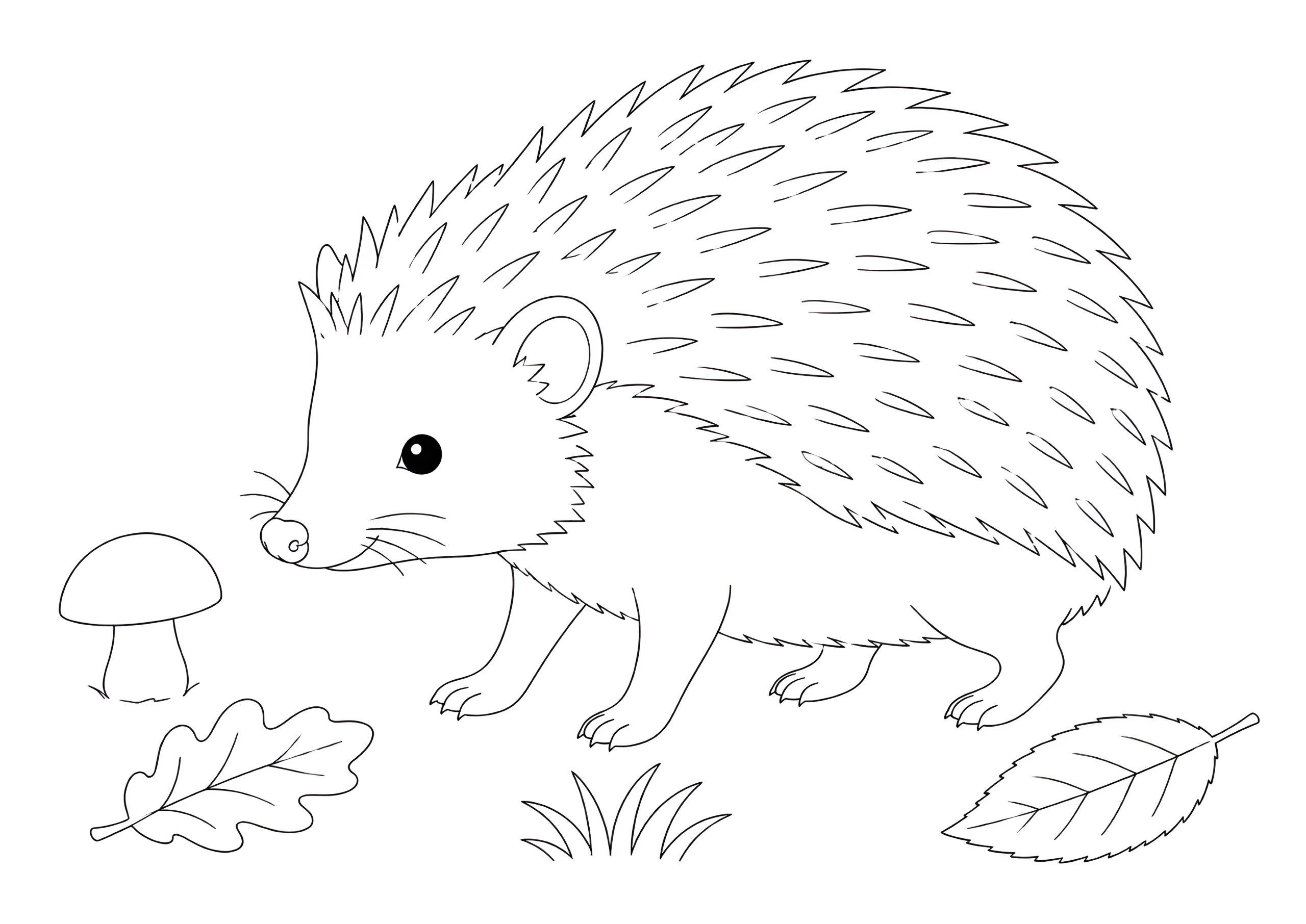
A hedgehog with a thick coat of spines stands beside a mushroom, two leaves and a tuft of grass. Get it free in letter-size PDF, PNG, JPEG or WebP, or color it right here online.
Want them all? Print the whole Hedgehogs collection in one go.
Download all 5 pagesOne printable PDF · letter sizeAbout this collection
All about these hedgehog coloring pages.
A tiny hedgehog curled up in the leaves with an apple stuck on its spines. These hedgehog coloring pages are a cute pick for fall.
Download the pages for free as a letter-size PDF, PNG, JPEG or WebP. No printer? Just color them online instead.
Good to know
Questions about hedgehog coloring pages.
Are the Hedgehogs coloring pages free?
Yes. All 5 coloring pages are free to download as letter-size PDFs or as PNG, JPEG, and WebP files, with no account needed.
Can I color the Hedgehogs pages online?
Yes. Open any coloring page and tap "Color online." It works on computers, tablets, and phones, and your artwork stays on your own device.
Can I print all the Hedgehogs coloring pages at once?
Yes. The "Download all as PDF" button gives you every coloring page in this category in a single file.
How do I keep the edges from getting cut off when I print?
In your print settings, pick "Actual size" or 100% instead of "Fit to page." The PDF already has a margin that works on standard letter-size paper.
Keep coloring