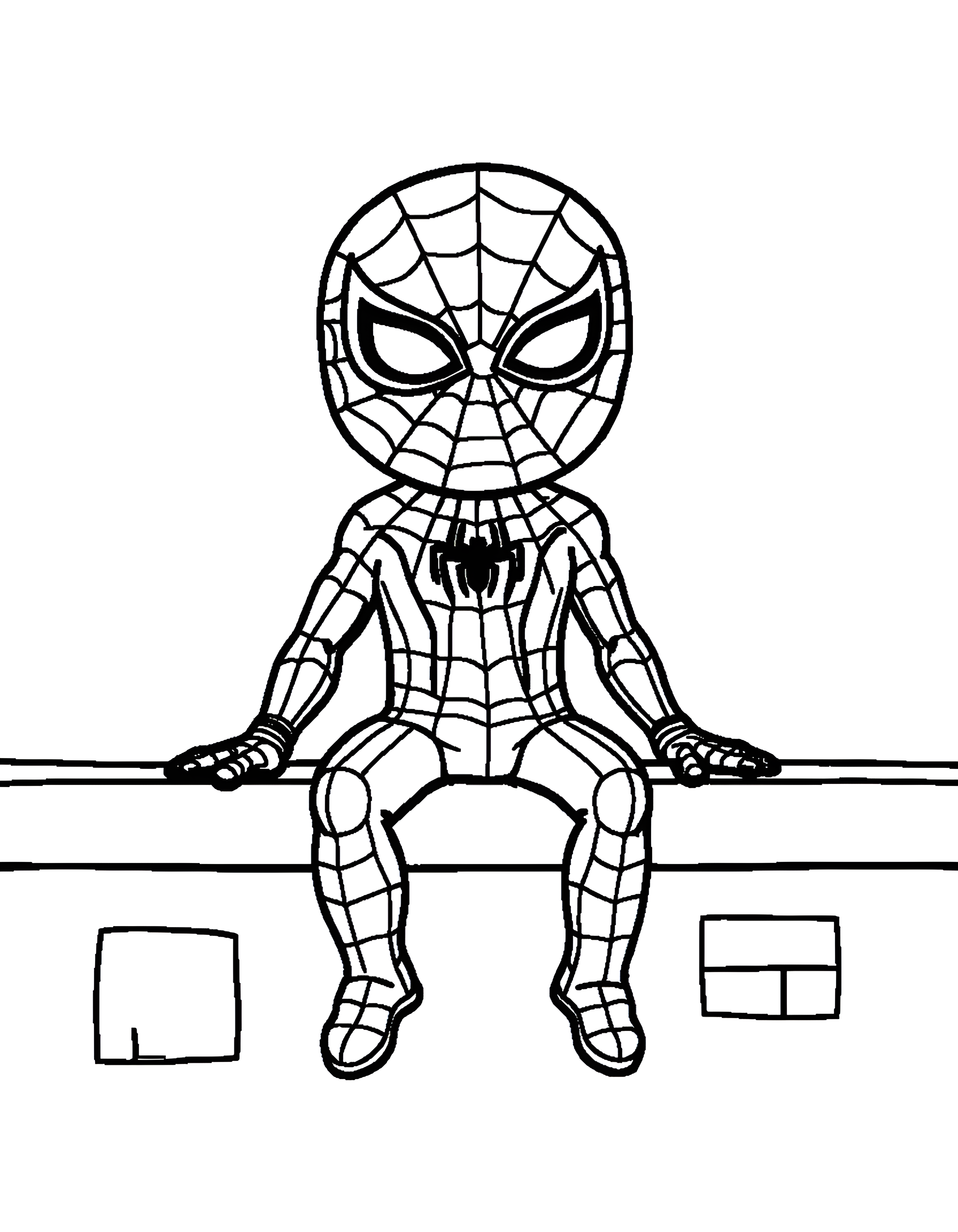
Spider-Man sits on a rooftop ledge with his legs dangling and hands resting beside him. Download and print this page free as a letter-size PDF, PNG, JPEG, or WebP, or color it online on the website.
Spider-Man Coloring Pages.
 Drawn by Karolina Piotrowska · updated
Spider-Man coloring pages: print them free on letter paper or color them online on a tablet or computer.
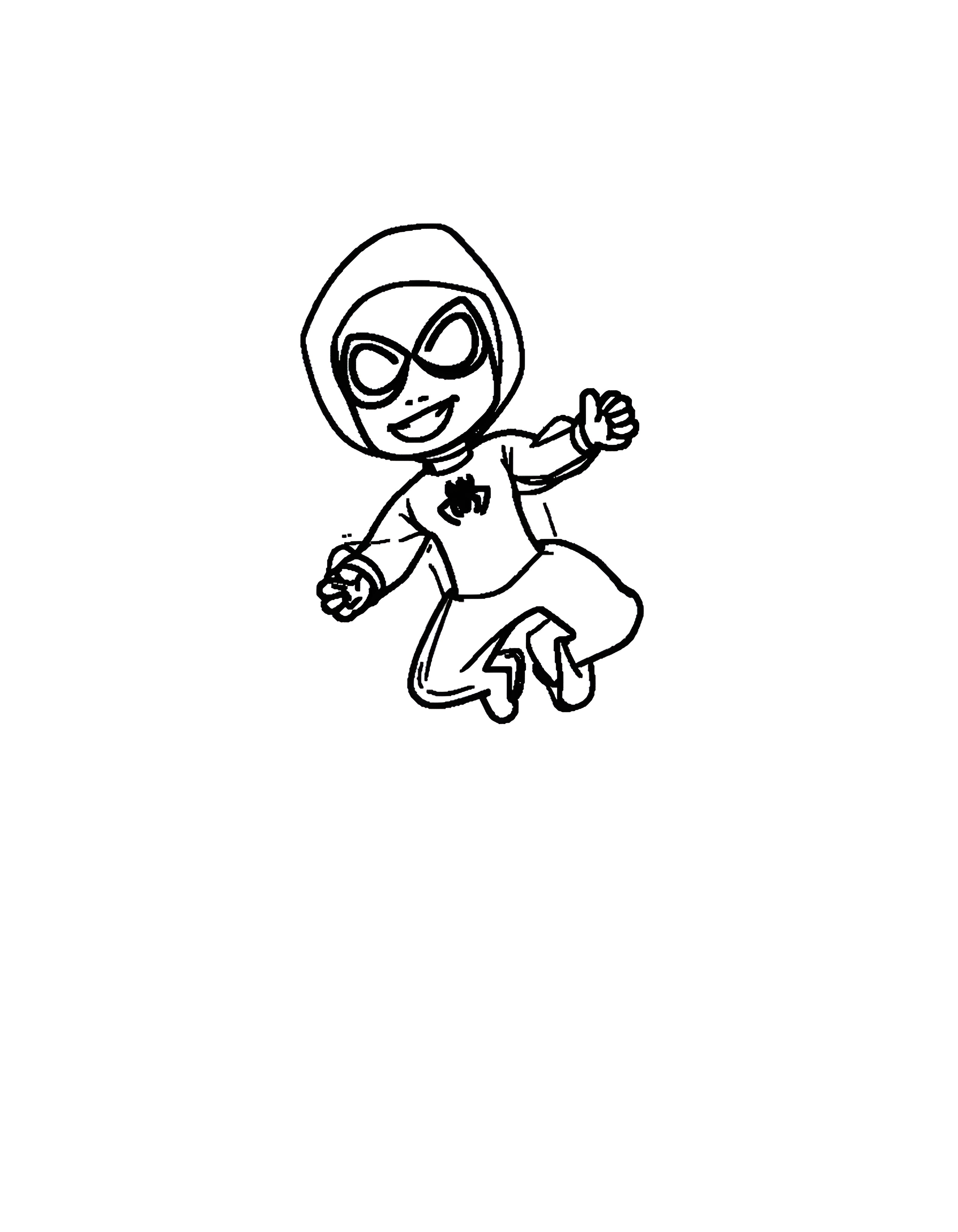
A hooded Spider-Man leaps with bent legs and arms extended. Download and print this page free as a letter-size PDF, PNG, JPEG or WebP, or color it online on the website.
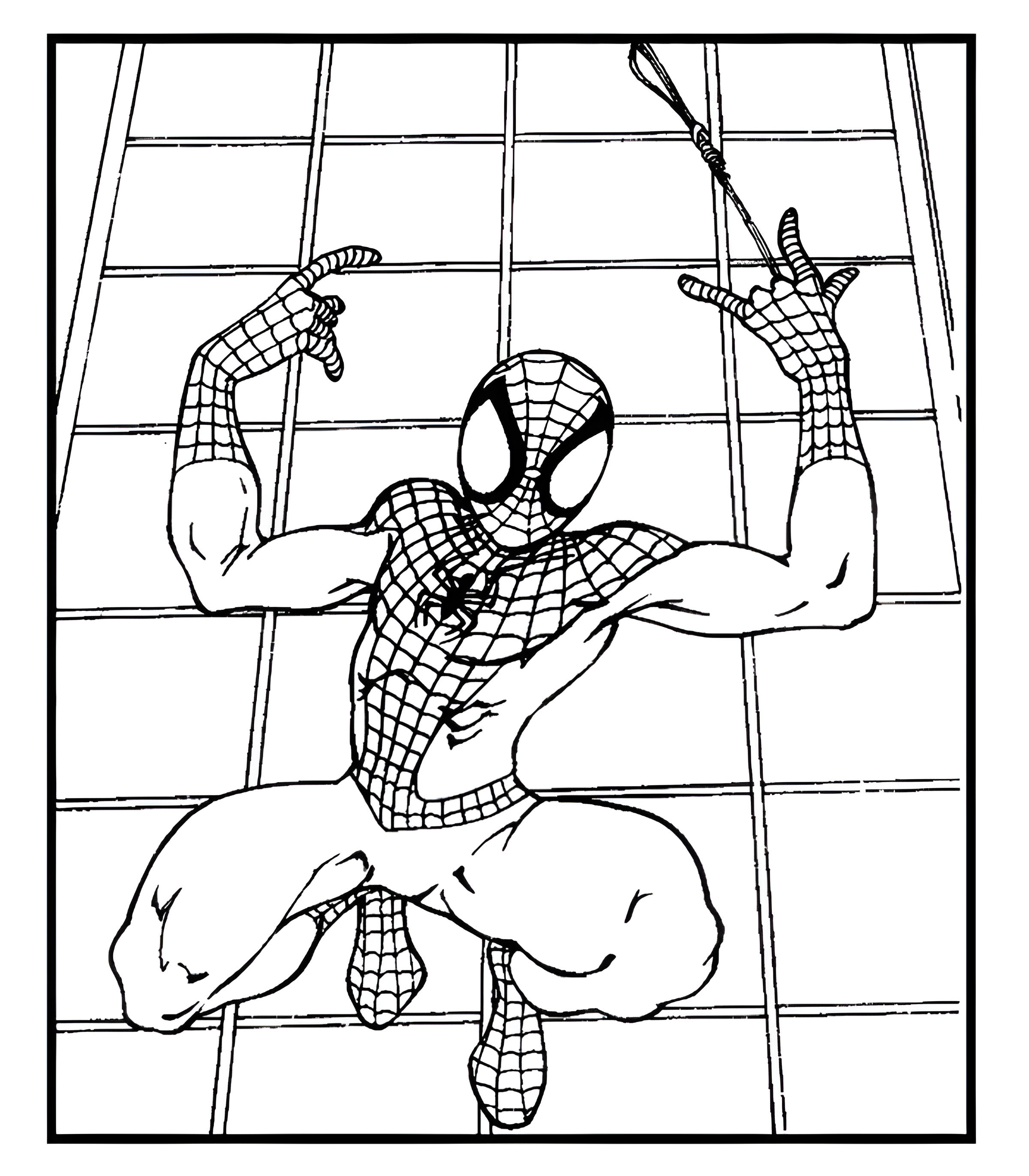
Spider-Man clings to a webbed wall, raising both hands as a strand of web hangs above him. Download and print it free as a letter-size PDF, PNG, JPEG or WebP, or color it online on the website.
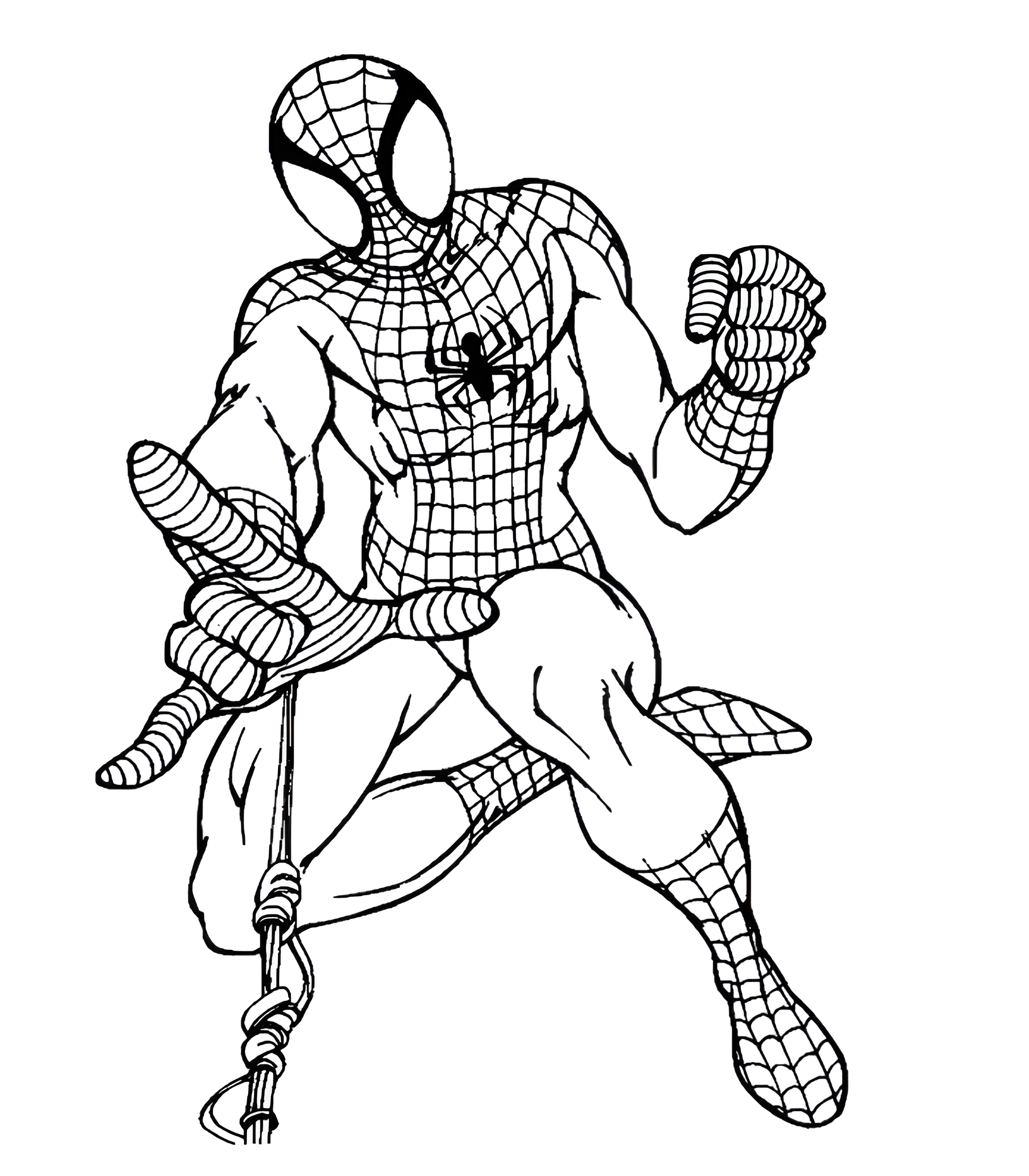
Spider-Man crouches with a rope in one hand and raises his fist in this black-and-white drawing. Download and print it free as a letter-size PDF, PNG, JPEG or WebP, or color it online on Sunny Coloring.
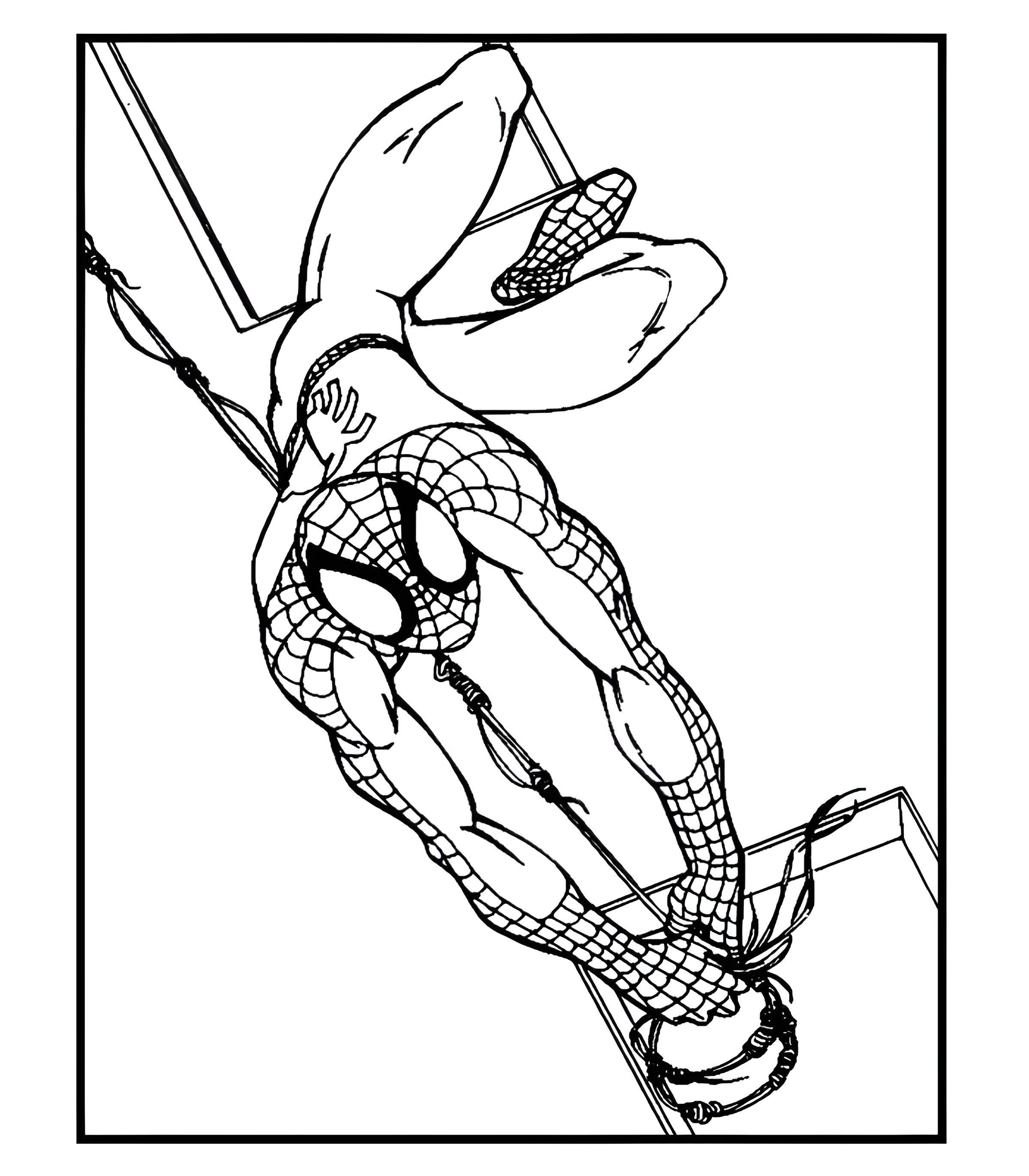
Spider-Man swings upside down from a web in this black-and-white drawing. Download and print it free as a letter-size PDF, PNG, JPEG or WebP, or color it online on the website.
Want them all? Print the whole Spider-Man collection in one go.
Download all 5 pagesOne printable PDF · letter sizeAbout this collection
All about these Spider-Man coloring pages.
Your friendly neighborhood Spider-Man swings between skyscrapers and saves the day. These Spider-Man coloring pages are for every little superhero fan.
Free to print at home, at daycare or in the classroom. Every page comes as a letter-size PDF, PNG, JPEG and WebP, and you can color it online too.
Good to know
Questions about Spider-Man coloring pages.
Are the Spider-Man coloring pages free?
Yes. All 5 coloring pages are free to download as letter-size PDFs or as PNG, JPEG, and WebP files, with no account needed.
Can I color the Spider-Man pages online?
Yes. Open any coloring page and tap "Color online." It works on computers, tablets, and phones, and your artwork stays on your own device.
Can I print all the Spider-Man coloring pages at once?
Yes. The "Download all as PDF" button gives you every coloring page in this category in a single file.
How do I keep the edges from getting cut off when I print?
In your print settings, pick "Actual size" or 100% instead of "Fit to page." The PDF already has a margin that works on standard letter-size paper.
Keep coloring